Greenshot and NeoReader: the short version
Greenshot is a free, open-source screen capture app for Windows, with an image editor for marking up what you grab. A paid version for Mac is available in the Mac App Store. It is a solid choice for capturing anything on your desktop.
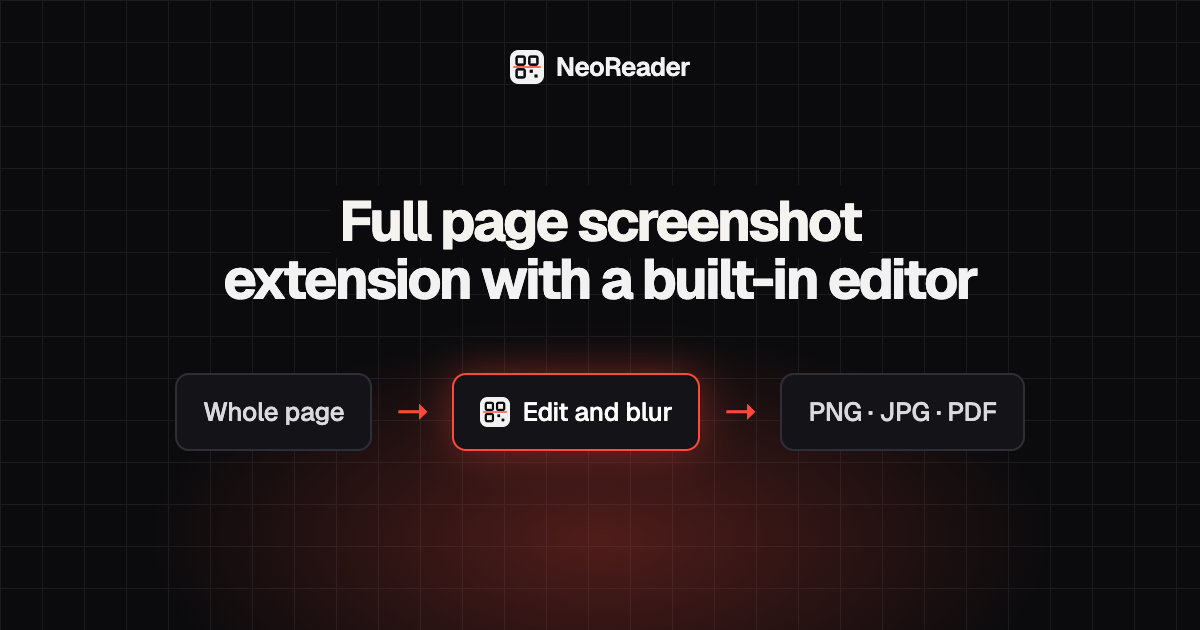
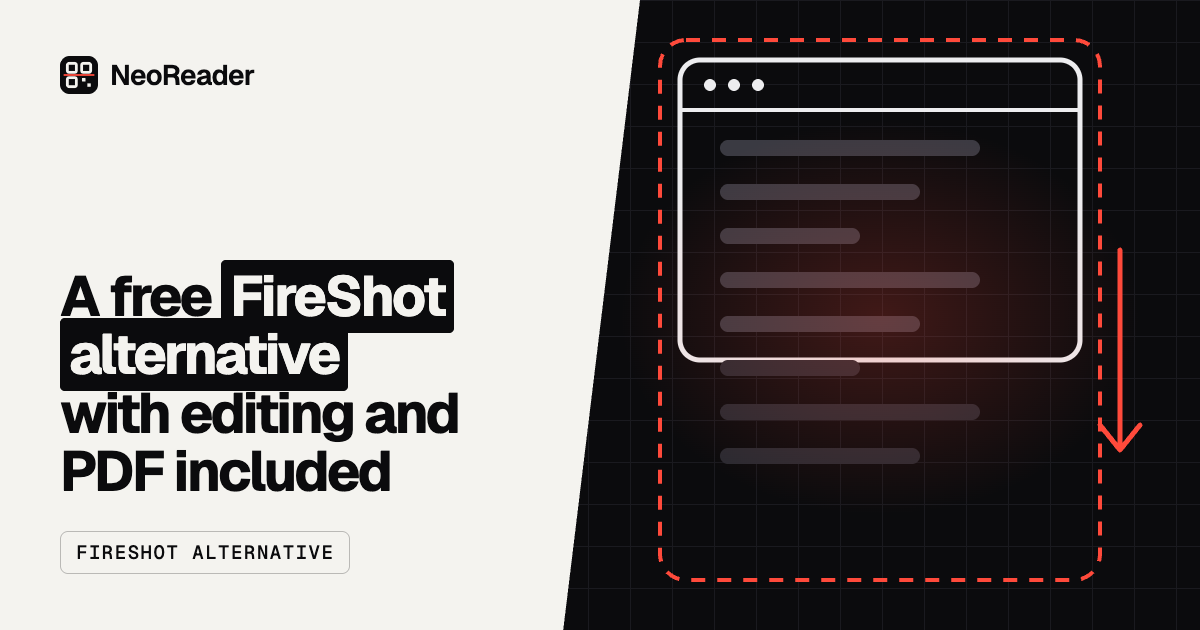
NeoReader Full Page Screenshot is an independent browser extension for Chrome, Edge and Firefox. It is not affiliated with or endorsed by Greenshot. It works only inside the browser, and in exchange it can capture the entire scrolling web page in one image, which a normal screen capture cannot do.
What the NeoReader extension does
- Capture the whole scrolling page, the visible part, or a dragged area.
- Sticky headers are handled so they appear once, not on every screen of the image.
- Editor: crop, arrows, boxes, highlighter, text and emoji.
- A pixel blur for private details that cannot be reversed in the saved file.
- Save PNG, JPG or PDF, or copy to the clipboard.
- The same free extension on Windows, Mac, Linux and ChromeOS.
- Nothing to install outside the browser, and no account.
How to take a Greenshot-style screenshot in your browser
The capture happens inside the browser, so it works the same on Windows and Mac, and you can capture a page that is taller than your screen without scrolling and stitching by hand.
- Add NeoReader Full Page Screenshot to Chrome, Edge or Firefox.
- Open the web page you want to capture.
- Click the extension icon or press its keyboard shortcut.
- Choose full page, visible part or select area.
- Crop, annotate or blur in the editor, then save as PNG, JPG or PDF.
Greenshot for Mac, download options and portable use
If you are searching for Greenshot for Mac, you have a few options. The paid Mac App Store version is one. macOS also has a free screenshot toolbar built in: press Cmd + Shift + 5 to capture the whole screen, a window or a selected area. And for web pages, the NeoReader extension adds full page capture and PDF export at no cost.
If you want the Greenshot download for Windows, get it from the official Greenshot website rather than a third-party download site, which may bundle other software. People who look for Greenshot portable usually want something that runs without an installer. A browser extension is a light alternative for web pages: it lives inside the browser you already use, and removing it is one click.
Which one should you choose
Keep Greenshot, or your system's own tool, for screenshots of desktop apps, dialog boxes and anything outside a browser window. That is its home ground.
Use a browser extension when the thing you are capturing is a web page, especially a long one. Receipts, articles, design reviews and bug reports often run far below the fold, and a full page capture saves you stitching screenshots together by hand. Many people run both.