Free PDF tools that work on your device
Most free PDF tools online work the same way: you upload your file, their server does the job, and you download the result. iLovePDF, Smallpdf, PDF24, Adobe Acrobat online and Sejda all process files on their servers and delete them later, from about an hour to two hours after, depending on the site.
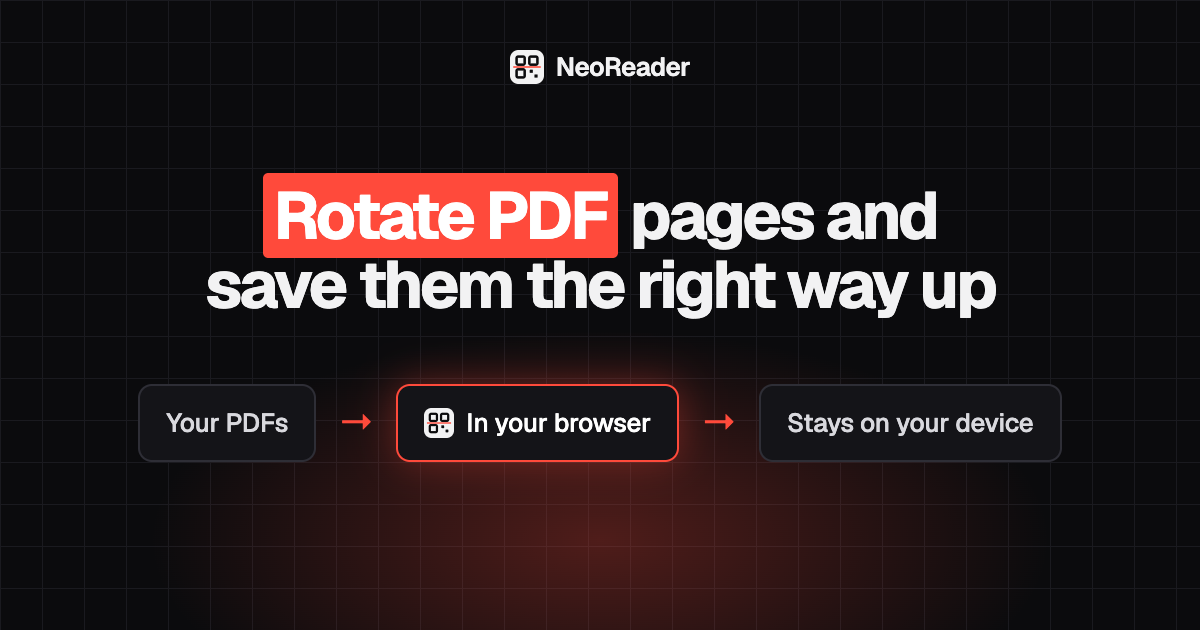
These tools do the work inside your browser instead. Your PDF is read, changed and saved on your own computer or phone, and it is never sent to our servers. That makes them a sensible choice for payslips, contracts, medical letters and ID copies.
Every PDF tool on NeoReader
- Merge PDF: combine many PDFs into one, see page counts, reorder and download.
- Split PDF: every page as its own PDF, a page range like 1-3, 5, 8-10, or chunks of N pages.
- Organize PDF: thumbnails of every page to move, rotate, delete or add pages from another PDF.
- Rotate PDF: turn one page or all pages and save the change.
- Delete PDF pages: remove blank or unwanted pages by sight.
- Compress PDF: a lossless tidy-up, or image compression that shrinks scans and photo-heavy files.
- PDF to JPG and PDF to PNG: every page as an image at 72, 150 or 300 DPI.
- JPG to PDF: JPG, PNG, WebP or screenshots into one PDF, with A4, Letter and margins.
- Add page numbers to PDF: position, format, start number and skip the cover.
- Watermark PDF: DRAFT, CONFIDENTIAL or your own text on every page.
How to use the PDF tools
- Pick the tool for the job from the list above.
- Add your PDF or images by dropping them on the page or picking them from your device.
- Choose your settings and check the preview or the size shown.
- Download the result. Your original file is left unchanged.
How the free limits compare
Smallpdf's free plan allows 2 tasks a day. Sejda allows 3 tasks an hour, with a 200 page and 50 MB cap. Adobe Acrobat online allows one transaction per tool without an account. iLovePDF limits daily tasks and caps free file sizes at between 15 and 200 MB depending on the tool. PDF24 is free with no artificial limits and is paid for by ads, but it still processes your files on its servers.
Here there is no task count, no file-size paywall and no watermark. The honest limit is your device: files of a few hundred MB, or long PDFs converted at 300 DPI, can be slow on a phone.
What is not available yet
To be clear about what these tools do not do: converting PDF to Word, Excel or PowerPoint, editing the text inside a PDF, e-signatures, password protection or removal, and OCR to make a searchable PDF are not available yet. If you need the words from a single page, convert it with PDF to PNG and use Screenshot to text, which reads text from images.