How to get a barcode for your product
To get a barcode for your product, license a product number (GTIN) from GS1 in your country, assign one number to each product variant, then generate the barcode image and add it to your packaging. Some marketplaces, including Amazon, let certain brands sell without a barcode through a GTIN exemption.
19 August 2026
A barcode is a number first
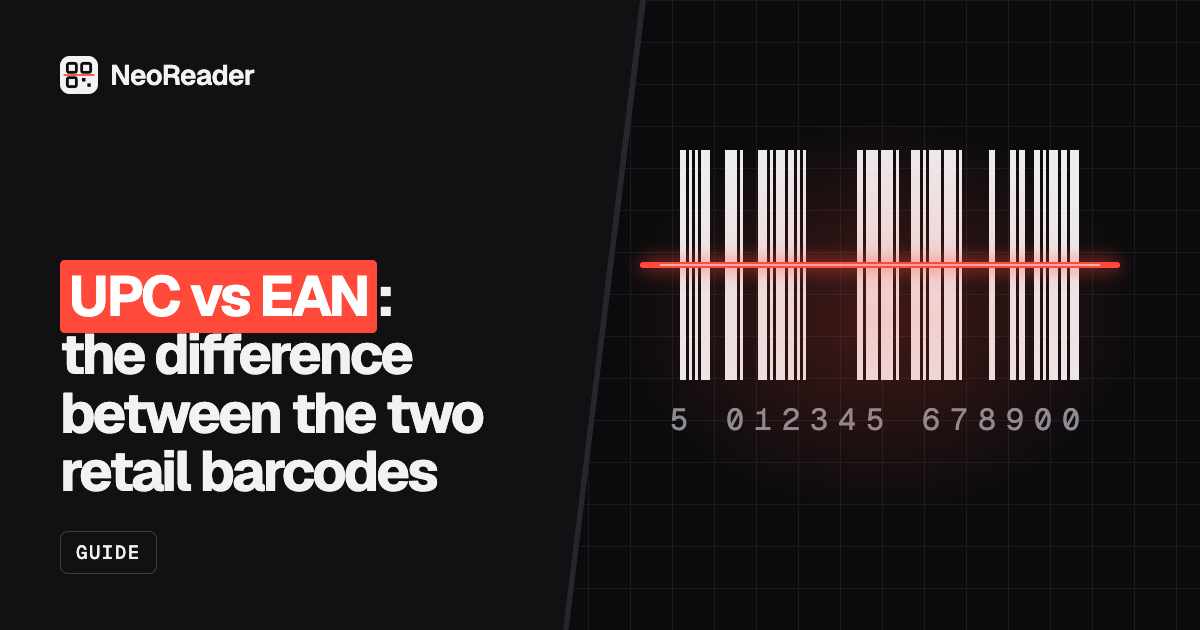
The black bars are only a picture of a number. What shops and marketplaces check is the number itself, called a GTIN (Global Trade Item Number). It tells a retailer's system which company owns the product and which item it is. The barcode image can be made in minutes by anyone. The number has to come from the right place.
GS1 is the not-for-profit organisation that runs this system worldwide, through national member offices such as GS1 UK and GS1 US. Retailers rely on its registry to know that a number belongs to your brand.
What to prepare before you apply
A little planning saves you buying too few numbers, or far too many. Work out how many products you will sell in the next year or two, then count the variants.
- A list of every product, with each size, colour, flavour and pack size as its own line.
- Where you will sell: your own shop, a marketplace, or retailers and wholesalers.
- The countries you sell in, since most retailers are happy with numbers from your home GS1 office.
- Whether you need carton or case numbers for wholesale deliveries.
- Who will design your packaging, so you can hand them the barcode files.
How to get GTINs from GS1
- Find the GS1 office for the country where your business is based.
- Choose an option. Most offices sell a membership with a company prefix, which lets you create a block of numbers. GS1 US also sells single GTINs for businesses that only need a few.
- Pay the joining fee and the annual fee if your option has one. Prices depend on your country, turnover and how many numbers you need, so check your local GS1 office.
- Assign a number to each product in the GS1 online tool, and add the product details such as brand, description and pack size.
- Generate the barcode image for each number and add it to your packaging artwork.
One number per product variant
Every version a shop could sell separately needs its own GTIN. A T-shirt in three sizes and two colours is six products and six numbers. A single bottle and a pack of six are different products too. The same item in new packaging can often keep its number, but a change to the contents, size or brand usually needs a new one. GS1 publishes allocation rules for edge cases.
Cartons and cases that hold several retail units get their own number too, often printed as an ITF-14 barcode on the outer box.
Selling on Amazon without a barcode
Amazon asks for a product ID, usually a UPC or EAN, when you create a listing. It also runs a GTIN exemption process for some products that have no barcode, such as private label goods, handmade items, bundles and certain parts. You apply through Seller Central for a brand and category, and approval is not guaranteed.
An exemption only covers Amazon. If you later plan to sell through supermarkets, chains or other marketplaces, you will usually still need GS1 numbers.
The risk with cheap resold barcode numbers
Many websites sell barcode numbers for far less than GS1 membership. These are usually numbers from old company prefixes, issued before GS1 changed its licensing rules, then resold. The barcodes scan, but the GS1 registry still links them to the original company, not to you.
That matters because large retailers and marketplaces check numbers against GS1 data. Amazon says it verifies product IDs against the GS1 database, and listings with numbers that do not match the brand can be blocked or removed. Resold numbers can be fine for small craft fairs or your own shop, but they are a gamble anywhere that checks ownership.
- Selling in your own shop or at markets only: you may not need a GTIN at all. An internal Code 128 barcode can track stock.
- Selling on a marketplace: follow its rules first, and check whether a GTIN exemption fits.
- Selling to retailers: license numbers from GS1. Buyers will usually ask for them.
Generate the barcode image
Once your numbers are assigned, you need the image for your packaging or labels. NeoReader's UPC barcode generator and EAN-13 barcode generator draw the barcode for a number you already have, add the check digit automatically if you leave it off, and download SVG or PNG. SVG stays sharp at any size, so send that to your printer or designer. It is free and runs in your browser.
NeoReader does not issue or sell registered barcode numbers. The generator only draws the image.
- Open the UPC-A or EAN-13 generator, depending on the number you were issued.
- Type the first 11 digits (UPC-A) or 12 digits (EAN-13). The check digit is calculated for you.
- Download the SVG for print artwork, or PNG for a label printer.
- Print a test and scan it with a phone scanner before you order packaging.
Printing tips
- Print dark bars on a light background. Black on white is safest. Red bars do not scan.
- Keep the clear space either side of the bars free of text and graphics.
- Avoid shrinking the barcode far below its standard size, and do not squash it to fit a narrow panel.
- Avoid curved seams, folds and shiny wraps directly over the bars.