How to scan a barcode to check a price
A barcode does not contain a price. It holds a product number, and the shop's system or a search engine looks up the price from that number. To check a price, scan the barcode with Google Lens or a shopping app, or read the number and search for it.
21 August 2026
What the barcode on a product actually holds
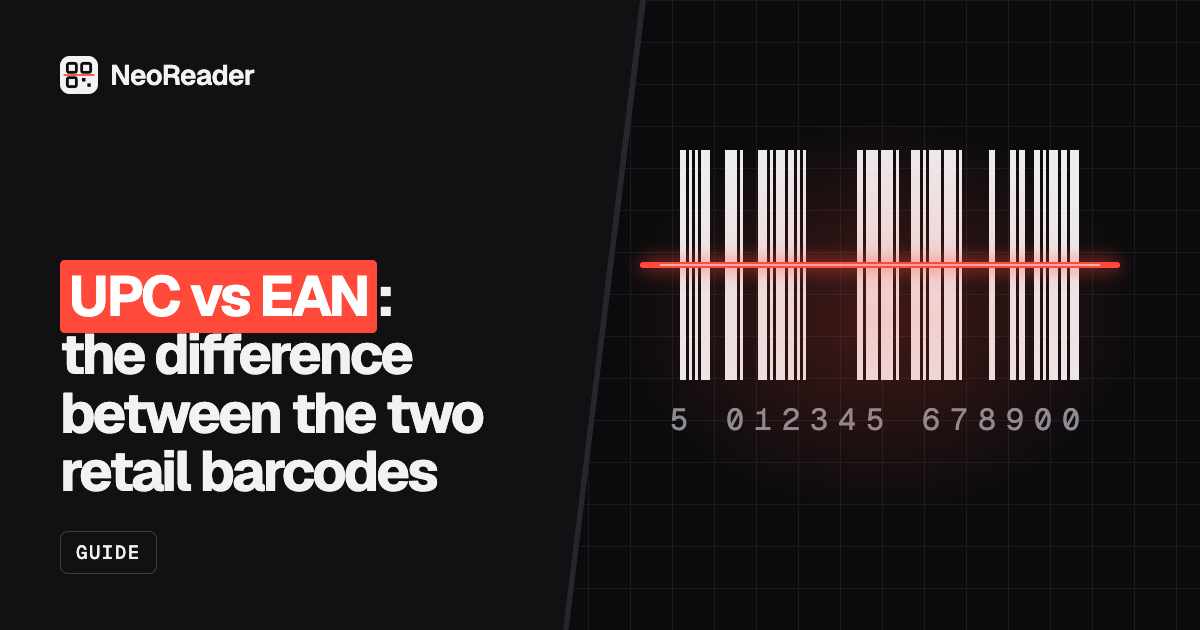
The barcode on most retail products is a GTIN, a Global Trade Item Number issued through GS1. In North America it is usually a 12-digit UPC-A; almost everywhere else it is a 13-digit EAN-13. The number identifies the product and its maker, and the last digit is a check digit that catches misreads.
The price is not in the barcode. When a till beeps, it sends the number to the shop's own database, which returns that shop's price today. That is why the same tin of beans scans at different prices in different shops, and why a price barcode generator cannot put a price into a normal retail barcode.
- UPC-A: 12 digits, mostly the US and Canada.
- EAN-13: 13 digits, used worldwide. Books use it for the ISBN, starting 978 or 979.
- In-store codes: weighed goods such as meat, cheese and deli items often use numbers starting 2, where many shops embed the weight or price for their own tills. These only mean something inside that chain.
How to check a price by scanning a barcode
- Open Google Lens (in the Google app or the camera on many Android phones) and point it at the barcode. Lens usually recognises the product and shows shopping results with prices from several sellers.
- Or open the app of the retailer you want to compare. Many large retailers' apps, Amazon's among them, have a barcode scanner in the search bar.
- If neither finds it, scan the barcode with a plain barcode reader to get the number, then paste the number into a search engine or a price comparison site.
- Check that the result is the same product and size. Multipacks and regional versions often have different numbers.
- In a shop, use the store's price checker or its app to see what that shop charges. That is the price you will pay at the till.
Reading the number with NeoReader's barcode scanner
NeoReader's barcode scanner runs in your phone or computer browser, with no app to install. It reads EAN, UPC, Code 128 and other barcodes, plus QR codes, from the camera or from a photo or screenshot you already have. It shows you the number and lets you copy it.
It does not look up prices or product details. That is deliberate: the image is read on your device and never sent to our servers, so there is no product database behind it. Copy the number, then search for it wherever you compare prices. This is handy when a shopping app will not recognise a barcode, or when you have a photo of a label rather than the product in front of you.
QR codes on price labels
Some shelf labels, electronic price tags and packaging now carry a QR code instead of, or next to, the barcode. A QR price scanner is simply any QR code reader: the code usually opens a product page with the price, stock or ingredients.
Treat these like any link. Check the address before you open it, especially on stickers that could have been placed over the original label. NeoReader's scanner checks scanned links for look-alike brand names, hidden destinations and shortened links before you open them.
Book barcodes and the price add-on
Books often have a small five-digit barcode to the right of the main ISBN barcode. In the US this add-on usually carries the suggested retail price: a leading 5 means US dollars, so 52495 means $24.95, and 90000 means no suggested price. Other countries use it differently or not at all, so do not assume it is the price you will pay.
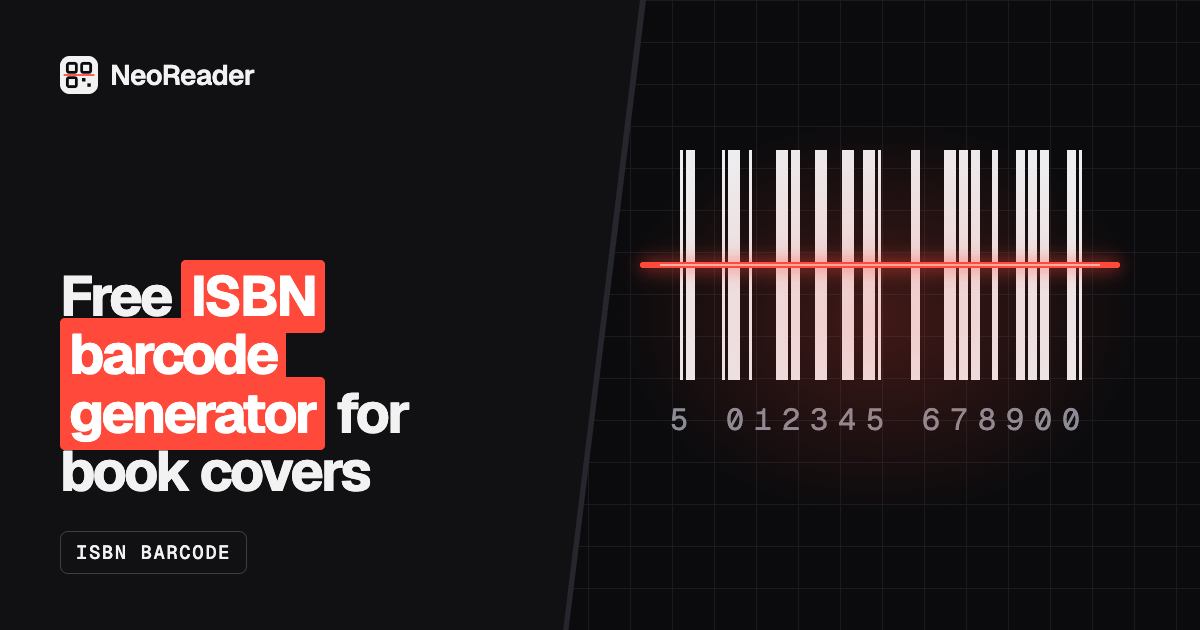
If you publish books, our ISBN barcode generator draws the main EAN-13 barcode from your ISBN. It does not add the five-digit price add-on, so check what your printer or distributor needs.
Barcode scanner prices, if you need hardware
If you searched for barcode scanner price because you want a device for a shop or stockroom, the cost depends on three things. A wired USB scanner that reads only 1D barcodes is the cheapest. A 2D imager, which also reads QR codes and codes on screens, costs more. Wireless and Bluetooth models add to that, and rugged Zebra and Honeywell models built for warehouses sit at the top.
Prices change often, so compare current listings rather than trusting old figures. For a first setup, a phone and a browser scanner cost nothing, and a basic 2D USB scanner is enough for most small shops. Our guide to barcode scanners for inventory compares the options.